 Retro
RetroLink play
Each phone runs its own game and connects over Wi-Fi, Bluetooth or a cable, so battles and trades work just like on the original hardware.
What you can play
| Games | Players | Examples |
|---|---|---|
| GB / GBC link | 2 | Battles and trades in Pokémon Red, Blue, Yellow, Gold, Silver and Crystal |
| GBA multiplayer | 2–4 | Battles and trades in Pokémon Ruby, Sapphire, FireRed, LeafGreen and Emerald, Mario Kart and other multiplayer games |
The two phones don't need the same game, as long as the games can link with each other, like trading between FireRed and LeafGreen.
Three ways to connect
Same Wi-Fi or a phone hotspot
- Connect every phone to the same Wi-Fi, or to a hotspot on one of them.
- On one phone, open the link panel and tap "Create room".
- On the others, tap "Join room" and pick the room. If it doesn't show up, type the address shown on the host's screen.
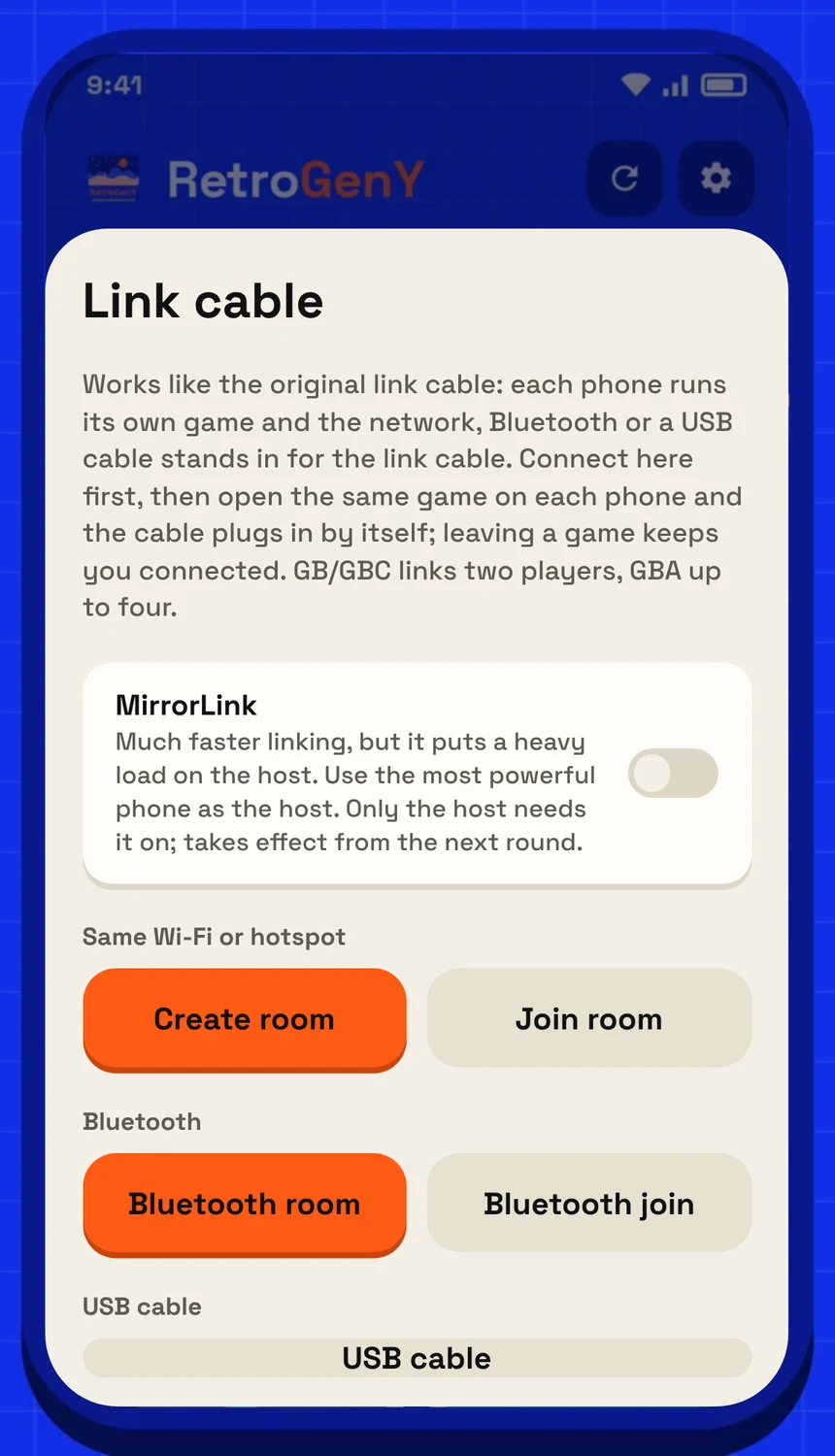
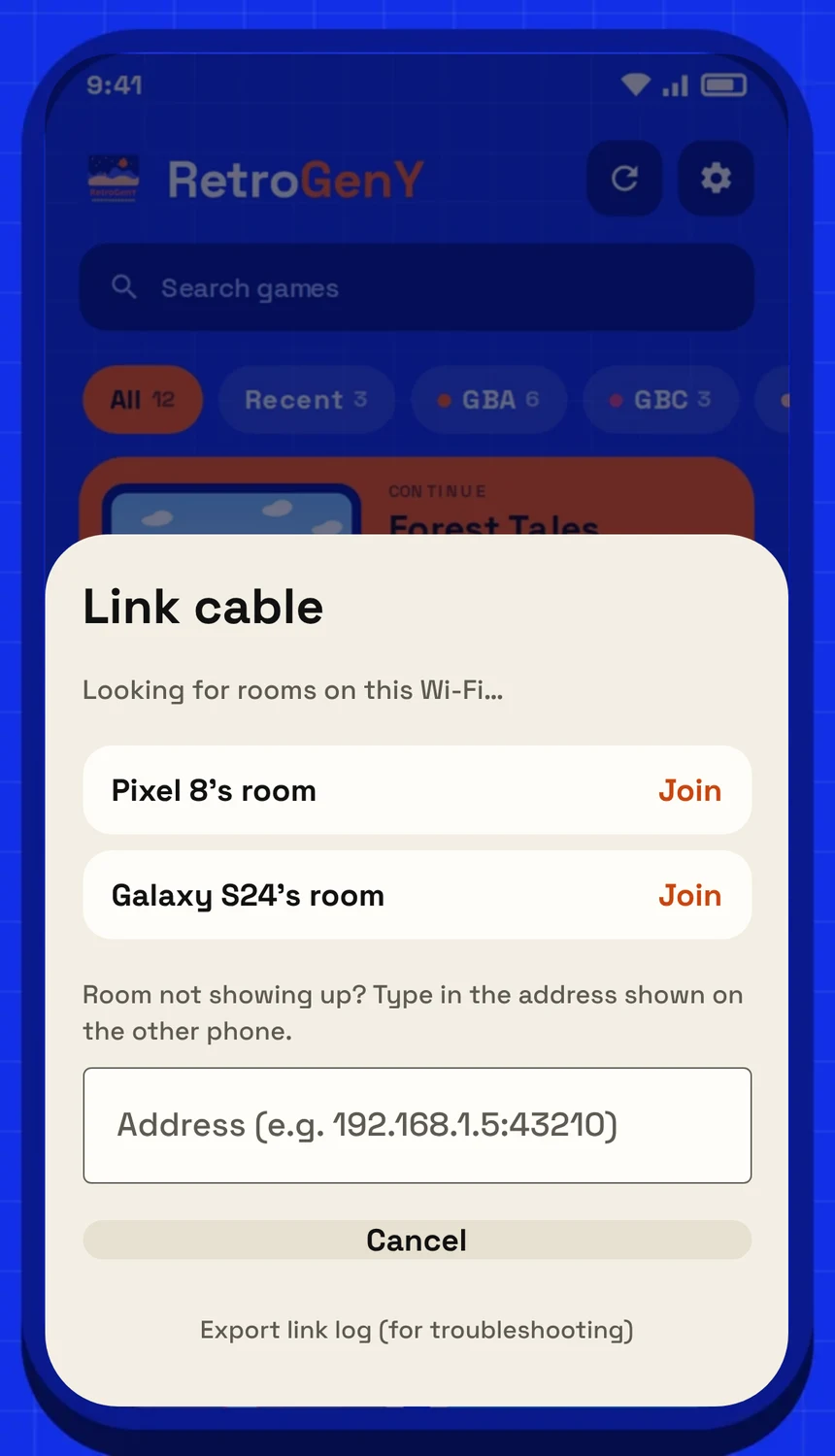
Left: the link panel. Right: after "Join room", rooms on the same Wi-Fi are listed, with a box to type an address.
Bluetooth
- On one phone, tap "Bluetooth room".
- On the other, tap "Bluetooth join" and pick the first phone's name. Allow "Nearby devices" the first time.
Cable
- Connect the two phones with a USB-C to USB-C cable.
- Tap "USB cable" on both and allow USB access when asked.
- Nothing happens? Turn on OTG in the system settings of the host phone. Some phones only charge over a cable; use Wi-Fi or Bluetooth then.
Connecting
When phones join, the host sees a cable in a different color for each one. Tap a cable to plug that phone in. With only one phone, it plugs in automatically.
Once plugged in, each player opens a game and the link connects by itself. Going back to the game list doesn't unplug you, so you can switch games and stay linked. In GBA games, tap a waiting cable to add more players, up to 4.
While linked, speed is fixed at 1x, rewind and loading save states are off, and cheats are paused, so both games stay in step.
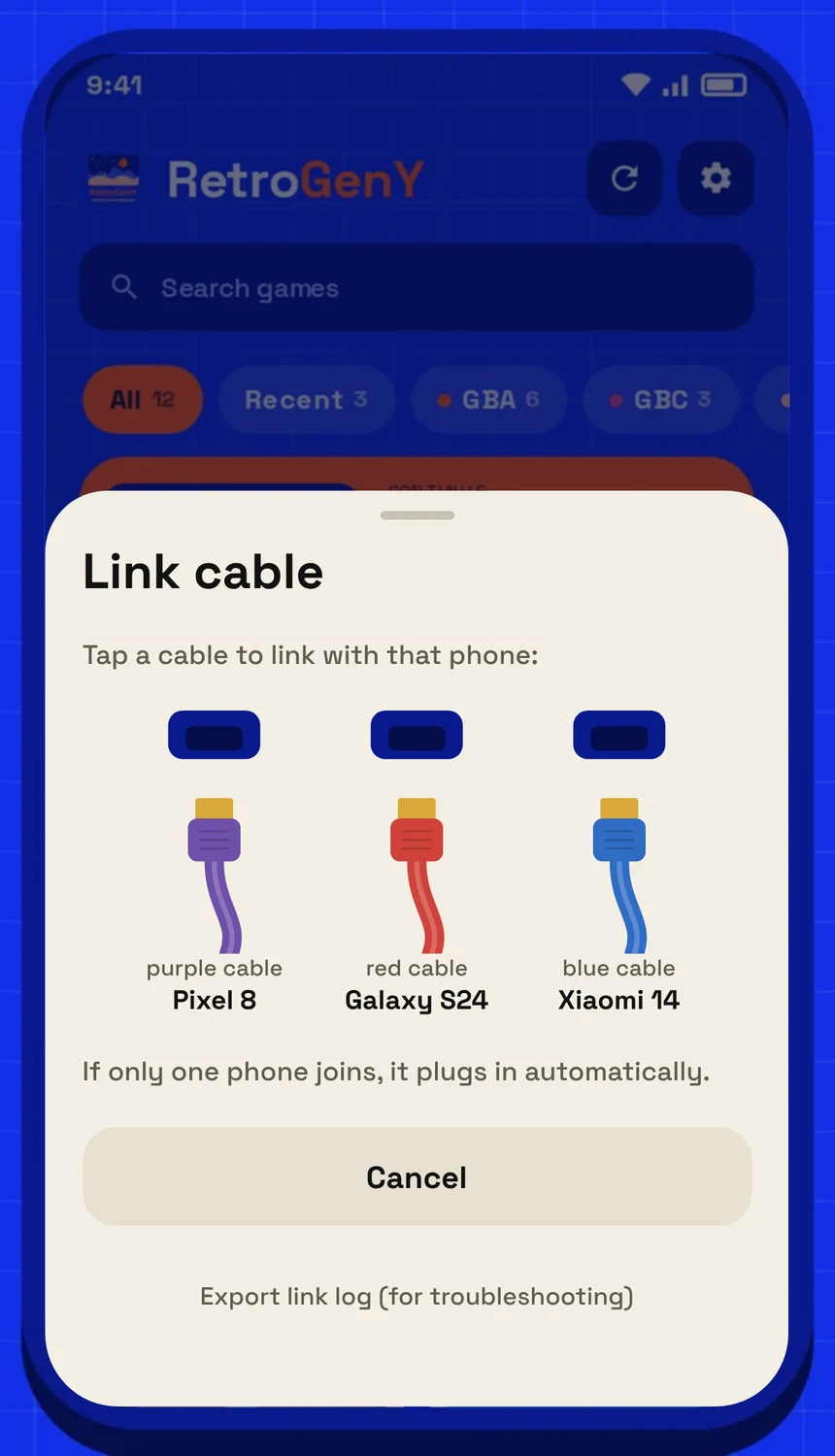
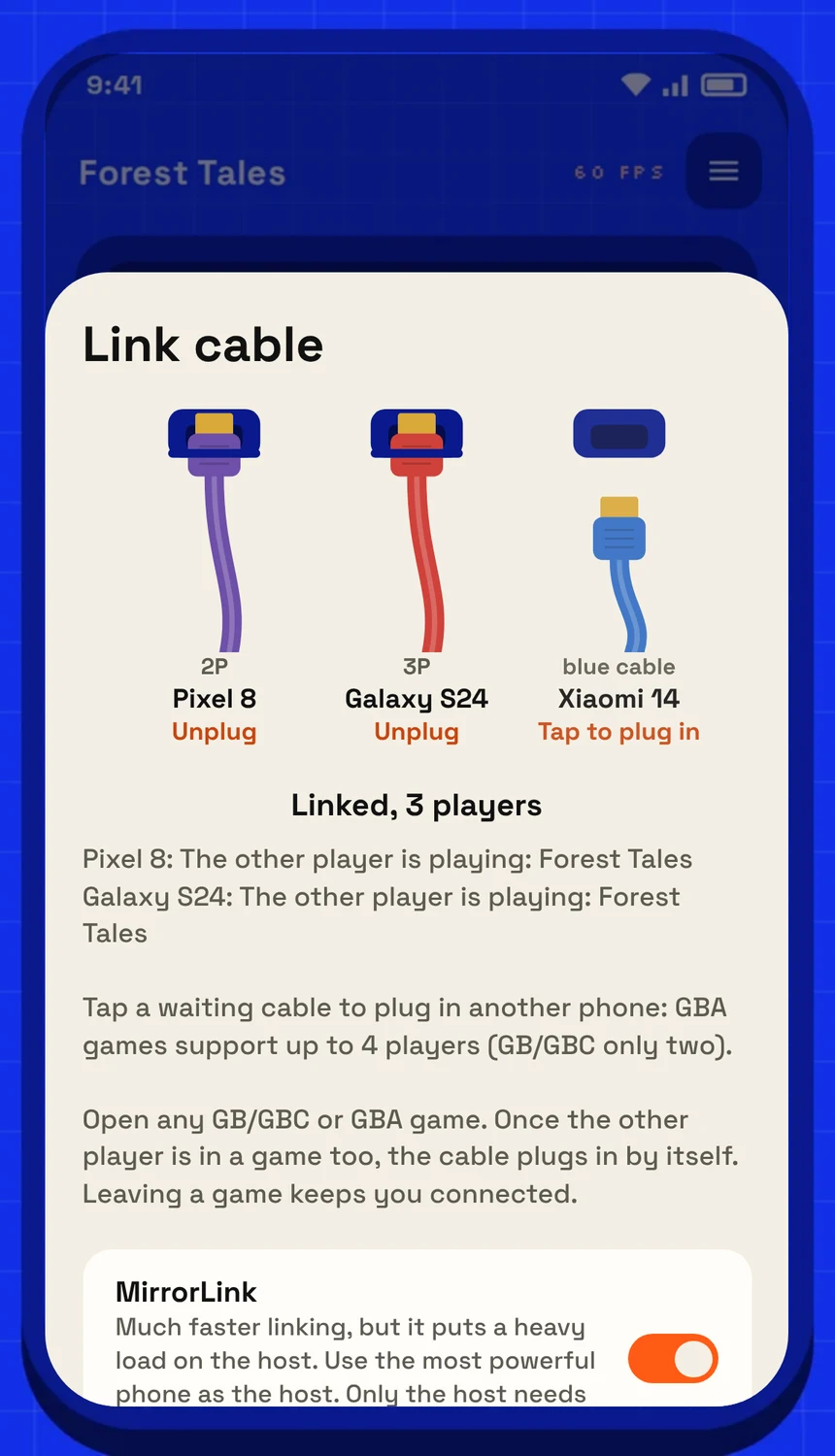
Left: the host taps a cable to link with that phone. Right: three phones linked; tap a waiting cable to add another.
MirrorLink
In a normal link, a slow or unsteady network makes the game stutter. MirrorLink is a different link mode built to keep games smooth even when the connection isn't.
- Upside: a much steadier frame rate, even over Bluetooth or an average network.
- Trade-off: the host does more of the work, so use your fastest phone as the host. Other players may notice a little more input delay.
- Turning it on: only the host needs to switch on "MirrorLink" in the link panel; the others follow.
- First connection: the first time, MirrorLink may take a moment to get ready before the game starts. This is faster over Wi-Fi than over Bluetooth.
When something goes wrong
At the bottom of the link panel, "Export link log" saves a log you can send us to track down the cause. See the FAQ for common cases.